How to Choose a Gaming Laptop: Your Ultimate Guide
how to choose a gaming laptop

How to Choose a Gaming Laptop: Your Ultimate Guide

Unlock the secrets to selecting the perfect gaming laptop that delivers uncompromised performance and value.

Find Your Perfect Rig

Key Takeaways

  • ✓ GPU is the most critical component for gaming performance.
  • ✓ CPU, RAM, and Storage also significantly impact gaming experience.
  • ✓ Screen size, refresh rate, and resolution are vital for immersion.
  • ✓ Cooling system design is crucial for sustained performance and longevity.

How It Works

1
Define Your Budget

Determine how much you're willing to spend. This will narrow down your options significantly and help prioritize features.

2
Identify Your Gaming Needs

Consider what types of games you'll play and at what settings. This dictates the necessary power for your GPU and CPU.

3
Prioritize Core Components

Focus on the GPU, CPU, RAM, and storage as these have the biggest impact on gaming performance and responsiveness.

4
Evaluate Display and Cooling

Assess screen quality (refresh rate, resolution) and the laptop's cooling system for optimal visual fidelity and sustained performance.

Understanding Core Components: GPU, CPU, and RAM for Gaming

Detailed view of computer processor on motherboard with visible components and circuits. Photo: Alexandra Krainyukhova / Pexels
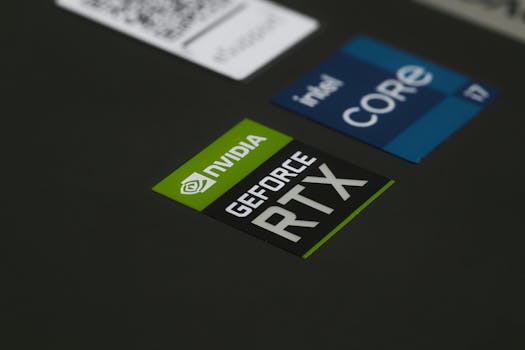
When you're trying to figure out how to choose a gaming laptop, the first and most critical step is to dive deep into its core components. These aren't just technical jargon; they are the heart and soul of your gaming experience, dictating frame rates, loading times, and overall system responsiveness. **The Graphics Processing Unit (GPU): Your Gaming Powerhouse** Without a doubt, the GPU (Graphics Processing Unit), often referred to as the graphics card, is the single most important component in a gaming laptop. It's responsible for rendering all the visuals you see on your screen, from intricate character models to vast open worlds and complex particle effects. For serious gaming, you'll primarily be looking at NVIDIA's GeForce RTX series (e.g., RTX 3050, 3060, 3070, 3080, or the newer 40-series) or AMD's Radeon RX series (e.g., RX 6600M, 6700M, 6800M, or the 7000-series). * **Budget Gaming (Entry-Level):** For playing esports titles or older games at 1080p medium settings, an RTX 3050 or RX 6600M might suffice. However, temper your expectations for modern AAA titles. * **Mid-Range Gaming (Mainstream):** An RTX 3060/4050/4060 or RX 6700M/7600M/7700S offers a sweet spot, providing excellent 1080p performance, often reaching high refresh rates, and even decent 1440p gaming on some titles. * **High-End Gaming (Enthusiast):** For uncompromised 1440p gaming, ray tracing, or even entry-level 4K gaming, look for RTX 3070/3080/4070/4080/4090 or RX 6800M/7800S/7900S. These GPUs come with higher price tags but deliver top-tier performance. Always check the TGP (Total Graphics Power) of the GPU, as laptop manufacturers can configure the same GPU with different power limits, impacting performance. A higher TGP generally means better performance. **The Central Processing Unit (CPU): The Brains Behind the Operation** While the GPU handles graphics, the CPU (Central Processing Unit) manages everything else: game logic, AI, physics, background processes, and feeding instructions to the GPU. For gaming, you'll typically encounter Intel Core i5, i7, i9 (11th gen and newer are strong contenders) or AMD Ryzen 5, 7, 9 (5000 series and newer). * **Minimum for Gaming:** An Intel Core i5 (11th gen or newer) or AMD Ryzen 5 (5000 series or newer) will handle most games adequately, especially if paired with a strong GPU. * **Recommended for Gaming & Multitasking:** An Intel Core i7 or AMD Ryzen 7 provides a better balance, ensuring smoother gameplay, better performance in CPU-intensive games, and excellent multitasking capabilities. * **High-End/Future-Proof:** Intel Core i9 or AMD Ryzen 9 offers top-tier performance, ideal for streamers, content creators, or those looking to future-proof their investment. For more specific CPU comparisons, you might find this guide on CPU benchmarks helpful. **Random Access Memory (RAM): Smooth Multitasking and Loading** RAM is your system's short-term memory, used to store data that the CPU needs to access quickly. For gaming, more RAM means smoother multitasking and faster loading times, especially in open-world games. * **8GB RAM:** This is the absolute bare minimum for modern gaming. You'll likely experience stuttering if you have many background applications open. * **16GB RAM (Recommended):** The sweet spot for most gamers. It allows for smooth gameplay, multitasking (like having Discord or a browser open), and ensures good performance for current and upcoming titles. * **32GB RAM (Enthusiast/Future-Proof):** Ideal for power users, streamers, content creators, or those who want absolute future-proofing. It's overkill for pure gaming for now, but provides ample headroom. Ensure the RAM is at least DDR4, with DDR5 being the newer, faster standard found in newer laptops. Look for higher clock speeds (e.g., 3200MHz for DDR4, 4800MHz+ for DDR5) for better performance. By carefully considering these three pillars – GPU, CPU, and RAM – you lay a solid foundation for how to choose a gaming laptop that meets your performance expectations.

Storage, Display, and Cooling: Enhancing Your Gaming Experience

Warmly lit home office with dual screens for coding and programming. Perfect modern workspace for tech enthusiasts. Photo: Paras Katwal / Pexels
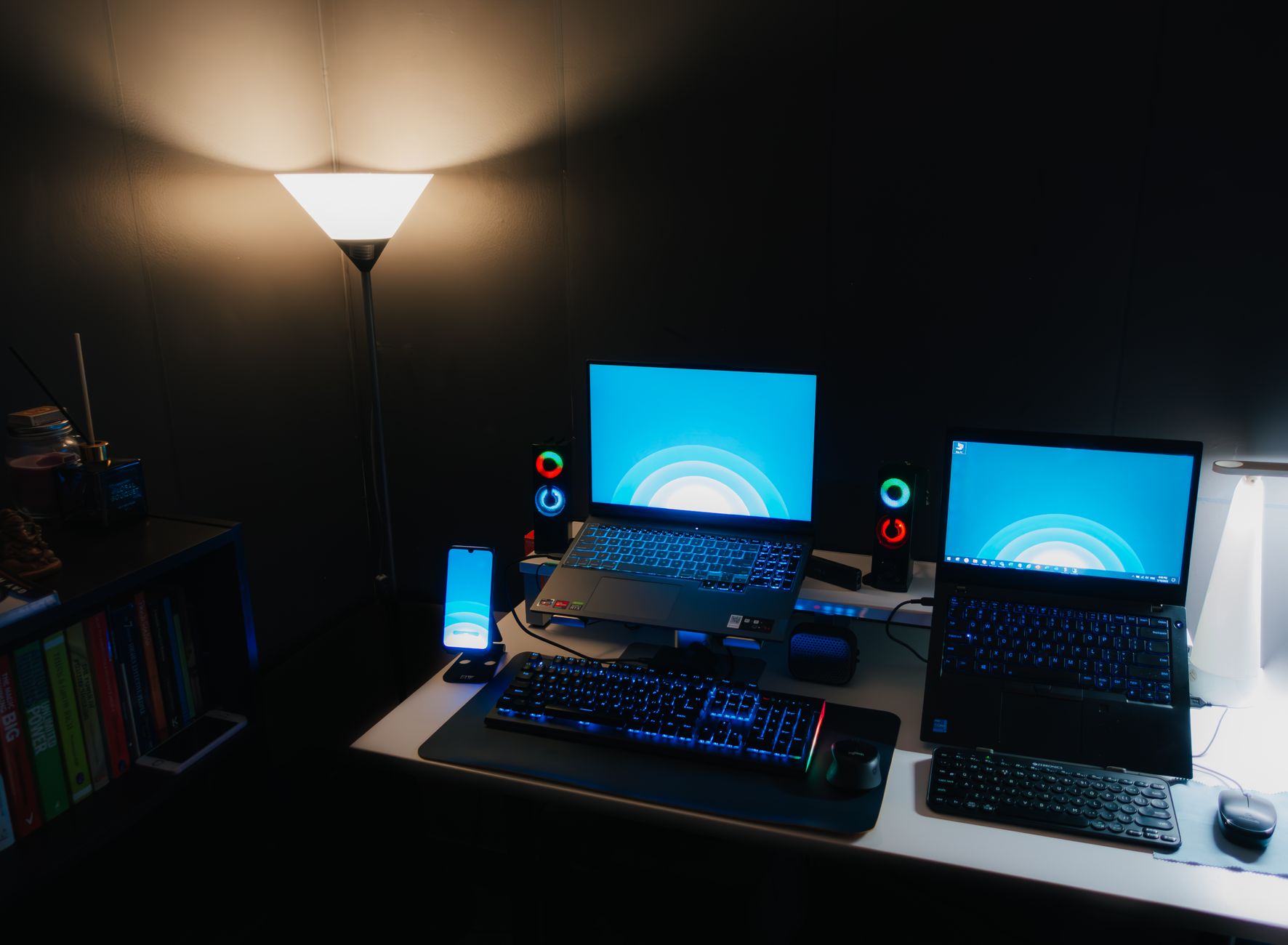
Beyond the core processing units, several other components play a crucial role in shaping your overall gaming experience. When learning how to choose a gaming laptop, don't overlook storage speed, display quality, and the effectiveness of the cooling system. These elements can significantly impact everything from game loading times to visual immersion and the longevity of your device. **Storage: Speed and Capacity** Storage impacts how quickly your games load and how many you can install. There are primarily two types of storage you'll encounter in gaming laptops: * **Solid State Drives (SSDs):** These are essential for gaming. NVMe PCIe SSDs are the fastest, offering lightning-fast boot times, rapid game loading, and seamless texture streaming. A gaming laptop should ideally have at least a 512GB NVMe SSD as its primary drive. 1TB or more is highly recommended, as modern AAA games can easily consume 100GB+ each. The difference in loading times between an SSD and an HDD is substantial, making SSDs a non-negotiable for a modern gaming experience. * **Hard Disk Drives (HDDs):** Slower and more prone to mechanical failure, HDDs are rarely found as the primary drive in modern gaming laptops. Some larger laptops might offer an HDD for secondary bulk storage, but it's best avoided for game installations. If a laptop has a smaller SSD (e.g., 256GB), ensure it has an additional slot for an upgrade or a larger secondary drive. Aim for a gaming laptop with at least 512GB NVMe SSD, with 1TB being the sweet spot for most gamers today. **The Display: Your Window to the Game World** The display is where all that GPU power comes to life. A fantastic GPU paired with a poor display is a wasted investment. Consider these factors: * **Size:** Gaming laptops typically range from 15.6 inches to 17.3 inches. Smaller 13-14 inch options exist for extreme portability, while larger 18-inch models offer maximum immersion. Choose based on your preference for portability versus screen real estate. * **Resolution:** 1080p (Full HD) is still the standard for gaming laptops, offering a good balance of visual clarity and high frame rates. 1440p (QHD) is gaining popularity, providing sharper images, especially on 17-inch screens, but requires a more powerful GPU. 4K (UHD) is generally overkill for gaming on a laptop screen and severely taxes even the strongest GPUs. * **Refresh Rate:** This is how many times the screen updates per second, measured in Hertz (Hz). A higher refresh rate means smoother motion. For gaming, aim for at least 120Hz, with 144Hz, 165Hz, 240Hz, or even 360Hz being ideal for competitive esports. A 60Hz display is a deal-breaker for serious gaming. * **Response Time:** Measured in milliseconds (ms), this is how quickly pixels can change color. Lower is better. Look for 3ms or 5ms for optimal gaming. Higher response times can lead to ghosting or motion blur. * **Panel Type:** IPS (In-Plane Switching) panels are common, offering excellent color accuracy and wide viewing angles. OLED panels offer superior contrast and true blacks but are pricier and less common in mainstream gaming laptops. * **Adaptive Sync (G-Sync/FreeSync):** These technologies synchronize the display's refresh rate with the GPU's frame rate, eliminating screen tearing and stuttering for a much smoother experience. This is a highly recommended feature. **Cooling System: Sustained Performance and Longevity** Gaming laptops pack powerful components into a small chassis, generating significant heat. An effective cooling system is paramount to prevent thermal throttling (where components reduce performance to avoid overheating) and ensure the longevity of your laptop. * **Fans and Heat Pipes:** Look for laptops with robust multi-fan designs and numerous heat pipes that efficiently dissipate heat from the CPU and GPU. Some advanced systems use vapor chambers. * **Ventilation:** Good airflow is key. Check for ample vents on the bottom, sides, and rear of the laptop. Some designs elevate the laptop slightly for better air intake. * **Software Control:** Many gaming laptops come with software that allows you to monitor temperatures, adjust fan curves, and switch between performance modes (e.g., Silent, Balanced, Performance, Turbo). This can be crucial for managing heat and noise. While you can't always perfectly assess cooling from specs alone, reviews often highlight a laptop's thermal performance. A well-designed cooling system is a hallmark of a quality gaming laptop and ensures your components can run at their peak for extended periods without degrading performance. Overlooking this aspect is a common mistake when learning how to choose a gaming laptop.

Keyboard, Battery Life, and Connectivity: Practical Considerations

Vibrant green backlit keyboard with visible QWERTY layout. Perfect for tech-related visuals. Photo: Neron Photos / Pexels
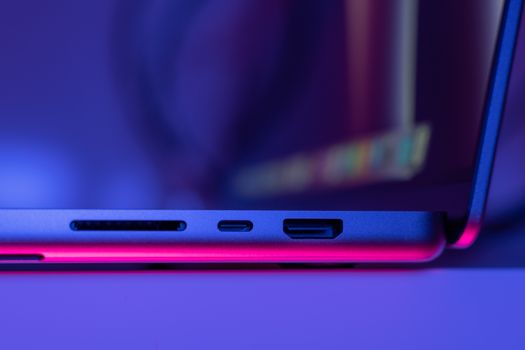
When delving into how to choose a gaming laptop, it's easy to get caught up in the raw power of the GPU and CPU. However, a truly great gaming laptop offers more than just brute force. Practical aspects like keyboard quality, battery life, and connectivity options significantly impact your day-to-day usability and overall satisfaction. Ignoring these can lead to frustration, even with a top-tier gaming rig. **The Keyboard and Trackpad: Your Primary Interface** For gaming, the keyboard is paramount. You'll be spending hours interacting with it, so comfort, responsiveness, and durability are key. * **Key Travel and Actuation Force:** Good gaming keyboards offer decent key travel (how far a key moves down when pressed) and a satisfying tactile feel. Mechanical or opto-mechanical switches are rare in laptops but offer superior feel. Most will have membrane switches; aim for responsive ones. * **Anti-Ghosting and N-Key Rollover:** These features ensure that multiple simultaneous key presses are registered correctly, which is vital in fast-paced games. Anti-ghosting prevents missed inputs, while N-key rollover allows for an unlimited number of simultaneous presses. * **Backlighting:** RGB backlighting is a staple of gaming laptops, allowing for customization and visibility in low-light conditions. Per-key RGB backlighting offers the most granular control. * **Layout:** Ensure the layout is comfortable for you, especially the placement of important keys like Shift, Ctrl, and the arrow keys. Some 15-inch laptops omit the numpad for a more centered typing experience, while 17-inch models almost always include one. * **Trackpad:** While most serious gamers use an external mouse, a good trackpad is still important for general use. Look for a smooth, responsive trackpad with multi-touch gesture support. **Battery Life: Portability vs. Power** Gaming laptops are notoriously power-hungry. Expecting desktop-level battery life is unrealistic. However, there's a significant difference between models. * **Gaming on Battery:** Most gaming laptops will only deliver a fraction of their peak performance when running on battery power to conserve energy. For optimal gaming, you'll almost always need to be plugged in. * **General Use:** For productivity, browsing, or media consumption, battery life can range from a mere 2-3 hours on powerful, older models to 6-8+ hours on more efficient, newer designs, especially those with features like NVIDIA Optimus or AMD SmartShift (which intelligently switch between integrated and dedicated graphics). * **Battery Size:** Look at the Watt-hour (Wh) rating of the battery (e.g., 90Wh, 99.9Wh). A higher number generally means more capacity, but efficiency also plays a huge role. If portability and unplugged use are important, prioritize models known for better battery endurance, even if it means slightly less raw gaming power. For tips on maximizing battery life, see our guide on laptop power management. **Connectivity: Ports and Wireless Standards** Having the right ports and robust wireless connectivity is crucial for a complete gaming setup. * **USB Ports:** Aim for a mix of USB-A (for peripherals like mice, keyboards, external drives) and USB-C. USB-C with Thunderbolt 3 or 4 (on Intel systems) or USB 4 (on AMD systems) offers incredibly fast data transfer, external display support, and even external GPU (eGPU) compatibility for future upgrades. * **Video Outputs:** HDMI and DisplayPort (often via USB-C) are essential for connecting external monitors. Ensure the ports support the resolution and refresh rate of your desired external display. * **Ethernet Port (RJ45):** A direct wired connection offers the most stable and lowest-latency internet connection, crucial for competitive online gaming. While Wi-Fi 6/6E is excellent, a wired connection is always preferred when available. * **Audio Jacks:** A standard 3.5mm headphone/microphone jack is still important for headsets. * **Wireless Connectivity:** Wi-Fi 6 (802.11ax) or Wi-Fi 6E provides faster speeds, lower latency, and better performance in congested networks. Bluetooth 5.0 or newer is standard for wireless peripherals. When you're trying to figure out how to choose a gaming laptop, don't just fixate on the benchmarks. Consider how these practical features integrate into your daily use and enhance your overall gaming and computing experience. A laptop with a great GPU but a terrible keyboard or abysmal battery life can be a frustrating purchase.

Common Mistakes and Smart Tips When Buying a Gaming Laptop

A hand typing on a backlit keyboard in a dark ambiance, highlighting vibrant key illumination. Photo: Florenz Mendoza / Pexels
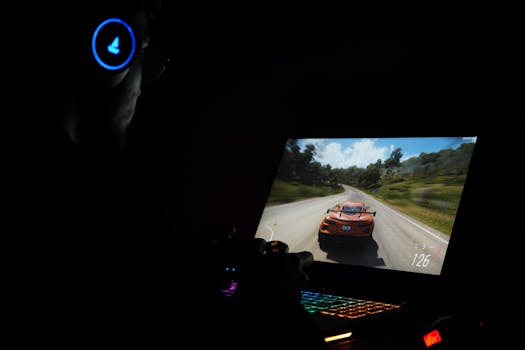
Navigating the world of gaming laptops can be daunting, and it's easy to make missteps that can lead to buyer's remorse. Understanding how to choose a gaming laptop effectively means not just knowing what to look for, but also what pitfalls to avoid and what smart strategies to employ. Here are some common mistakes and invaluable tips to ensure you make the best purchase. **Common Mistakes to Avoid:** 1. **Over-Prioritizing CPU Over GPU:** A common misconception is that the CPU is the most important component for gaming. While a good CPU is necessary, the GPU has a far greater impact on in-game frame rates and visual fidelity. Don't sacrifice a better GPU for a slightly faster CPU if your primary use is gaming. 2. **Ignoring Cooling System Reviews:** As discussed, thermal performance is critical. A powerful laptop that throttles under load because of poor cooling will perform worse than a slightly less powerful one with an excellent cooling solution. Always check professional reviews for thermal performance under sustained load. 3. **Underestimating Storage Needs:** Modern games are massive. A 256GB or even 512GB SSD can fill up surprisingly fast. Skimping on storage means constant game uninstalls or slow load times if you rely on an external HDD. Opt for at least a 1TB NVMe SSD or a laptop with an easily upgradeable second M.2 slot. 4. **Neglecting Display Specs:** A high-end GPU is wasted on a low-refresh-rate, slow-response-time display. A 60Hz screen with high response times will make even high frame rates feel sluggish. Always aim for at least 120Hz and 5ms response time. 5. **Forgetting About Portability and Aesthetics:** While performance is key, remember it's a laptop. If you plan to carry it frequently, weight and bulk matter. Also, consider the build quality and aesthetic. A flimsy, plastic build might not stand the test of time or travel. 6. **Buying the Latest and Greatest Without Budget Consideration:** The bleeding edge of tech is always the most expensive and often offers diminishing returns. Define your budget first, then find the best possible specs within that range. A mid-range laptop today can still offer excellent performance for years. **Smart Tips for a Successful Purchase:** * **Research, Research, Research:** Read reviews from reputable tech sites and watch video reviews. They often provide real-world performance benchmarks, thermal analysis, and insights into build quality that specs sheets don't reveal. Sites like TechRadar or PCMag are good starting points. * **Consider Refurbished or Last-Gen Models:** You can often find fantastic deals on certified refurbished gaming laptops or models from the previous generation. These can offer 80-90% of the performance of the latest models at a significantly lower price point. * **Look for Sales Events:** Major sales events like Black Friday, Cyber Monday, Amazon Prime Day, or back-to-school sales are excellent times to snag a gaming laptop deal. * **Prioritize Upgradability:** Some gaming laptops allow you to easily upgrade RAM and storage (SSD). This can extend the life of your laptop and save money in the long run. Check reviews or manufacturer specifications for upgradability options. * **Test the Keyboard and Trackpad (if possible):** If you can, visit a store to get a feel for the keyboard and trackpad. These are highly personal preferences that can significantly impact your user experience. * **Check Warranty and Support:** Gaming laptops are complex machines. A good warranty and responsive customer support from the manufacturer can be invaluable if issues arise. * **Don't Forget Peripherals:** Factor in the cost of essential peripherals like a gaming mouse, headset, and possibly an external monitor or cooling pad, as these enhance your overall gaming setup but aren't included with the laptop itself. By keeping these mistakes and tips in mind, you'll be well-equipped to navigate the market and confidently choose a gaming laptop that not only meets but exceeds your expectations for years to come.

Comparison

FeatureEntry-Level Gaming LaptopMid-Range Gaming LaptopHigh-End Gaming Laptop
GPURTX 3050/4050 or RX 6600MRTX 3060/4060 or RX 6700M/7600SRTX 3070-4090 or RX 6800M-7900S
CPUIntel Core i5 (11th+ Gen) / AMD Ryzen 5 (5000+ Series)Intel Core i7 / AMD Ryzen 7Intel Core i9 / AMD Ryzen 9
RAM8GB DDR4 (minimum)16GB DDR4/DDR5 (recommended)32GB DDR4/DDR5
Storage512GB NVMe SSD1TB NVMe SSD1TB+ NVMe SSD
Display Refresh Rate120Hz-144Hz 1080p144Hz-240Hz 1080p/1440p165Hz-360Hz 1080p/1440p
CoolingAdequate for basic useGood, with performance modesExcellent, advanced solutions
Price Range (USD)$800 - $1200$1200 - $2000$2000+

What Readers Say

"This guide truly demystified how to choose a gaming laptop. I was overwhelmed by all the specs, but the breakdown of GPU vs. CPU and what refresh rate means made my decision so much easier. Ended up with a fantastic mid-range laptop!"

Alex K. · Seattle, WA

"As a first-time gaming laptop buyer, I found this article incredibly helpful. The tips on avoiding common mistakes saved me from buying an underpowered machine. I now understand the importance of cooling and storage."

Maria S. · Austin, TX

"Following this guide, I was able to confidently select a gaming laptop that perfectly fits my budget and the games I play. My new laptop runs Warzone smoothly at high settings, which was my main goal!"

Ben T. · Chicago, IL

"Good information, especially on the display specs. I wish there was a bit more on specific brands to consider, but overall, it's a very solid resource for anyone asking how to choose a gaming laptop."

Chloe L. · Miami, FL

"I needed a laptop for both gaming and video editing. This article helped me balance the CPU and RAM needs for my creative work with the GPU for my gaming. Highly recommend for versatile users!"

David R. · Denver, CO

Frequently Asked Questions

What is the single most important component when choosing a gaming laptop?

The Graphics Processing Unit (GPU) is hands-down the most crucial component for gaming performance. It dictates frame rates and visual quality. While the CPU, RAM, and storage are important, a powerful GPU will have the biggest impact on your in-game experience.

Do I really need 16GB of RAM for gaming?

Yes, 16GB of RAM is highly recommended for modern gaming. While 8GB might suffice for older or less demanding titles, 16GB ensures smoother multitasking, faster loading times, and better overall performance in current AAA games, preventing stutters and slowdowns.

How can I check a gaming laptop's cooling performance before buying?

The best way to assess a gaming laptop's cooling performance is to read comprehensive reviews from reputable tech websites. These reviews typically include detailed thermal testing under sustained load, providing real-world data on CPU and GPU temperatures and any potential thermal throttling.

Are expensive gaming laptops worth the investment?

The value of an expensive gaming laptop depends on your budget and needs. High-end models offer top-tier performance, features, and often better build quality, but they come with diminishing returns. A mid-range laptop often provides the best value, delivering excellent performance for most gamers without breaking the bank.

How does a gaming laptop compare to a gaming desktop?

Gaming desktops generally offer superior performance for the same price, are easier to upgrade, and have better thermal management. Gaming laptops offer portability and convenience. If portability is a priority, a laptop is the way to go; otherwise, a desktop usually provides more bang for your buck and future-proofing potential.

Who should consider buying a gaming laptop?

A gaming laptop is ideal for gamers who need portability, frequently travel, or have limited space for a desktop setup. It's also suitable for students or professionals who need a powerful machine for both work/study and entertainment, allowing them to game anywhere.

Is it safe to game on a laptop for extended periods?

Modern gaming laptops are designed for extended use, but sustained high temperatures can reduce component lifespan. Using a cooling pad, ensuring proper ventilation, and regularly cleaning dust from vents can help maintain optimal temperatures and prolong the laptop's life. Avoid blocking air intakes.

What are the future trends for gaming laptops?

Future trends include more efficient and powerful GPUs and CPUs, wider adoption of OLED and Mini-LED displays, improved cooling solutions (like vapor chambers and liquid metal), thinner and lighter designs, and enhanced AI integration for performance optimization and upscaling technologies.

Armed with this comprehensive guide, you're now ready to confidently navigate the market and how to choose a gaming laptop that perfectly matches your gaming ambitions and budget. Don't settle for less – make an informed decision and elevate your portable gaming experience today!

Topics: how to choose a gaming laptopbest gaming laptopgaming laptop specsgaming laptop buying guideportable gaming
Leo List
Brampton weed
Adultwork EstrelaBet Vai de Bet R7 Bet Betão Galera Bet Rainbet Bet9ja Shop SportyBet BetKing Sisal Loto Foot Hollywoodbets YesPlay Odibets RushBet Jugabet BetWarrior BetCity MSport betPawa Fortebet